Updating Sources in ProspectAI
Last updated: September 22, 2026
You can easily edit the Sources that are included in your ProspectAI profile. Perhaps there is a hard-to-find source that ProspectAI missed or was prevented from accessing. Or maybe there are multiple similar personas and a source was picked up in error. Here's how to fix that:
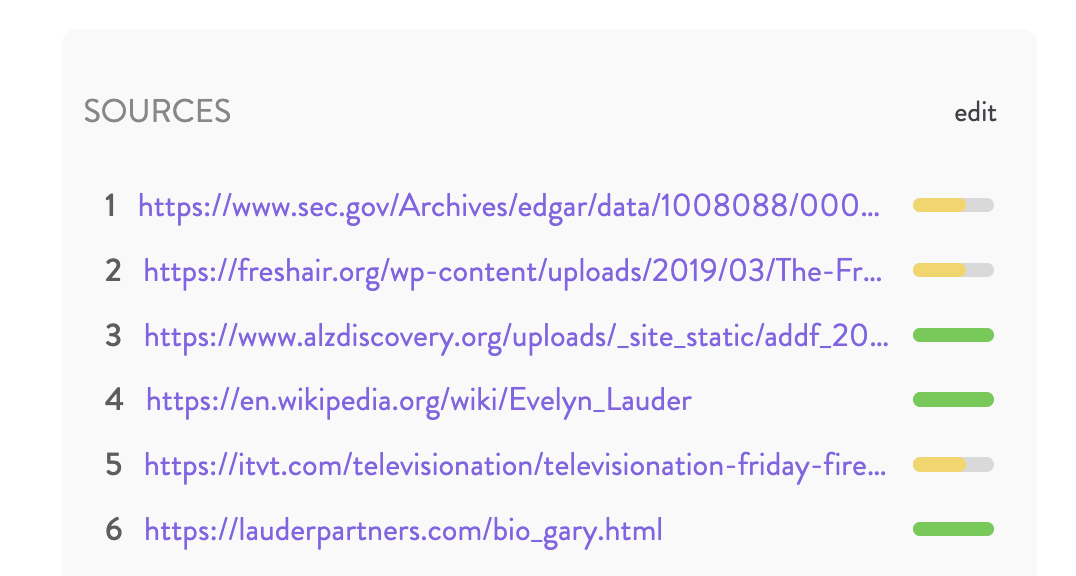
Scroll the 'Sources' at the bottom of the page.
Click 'edit'
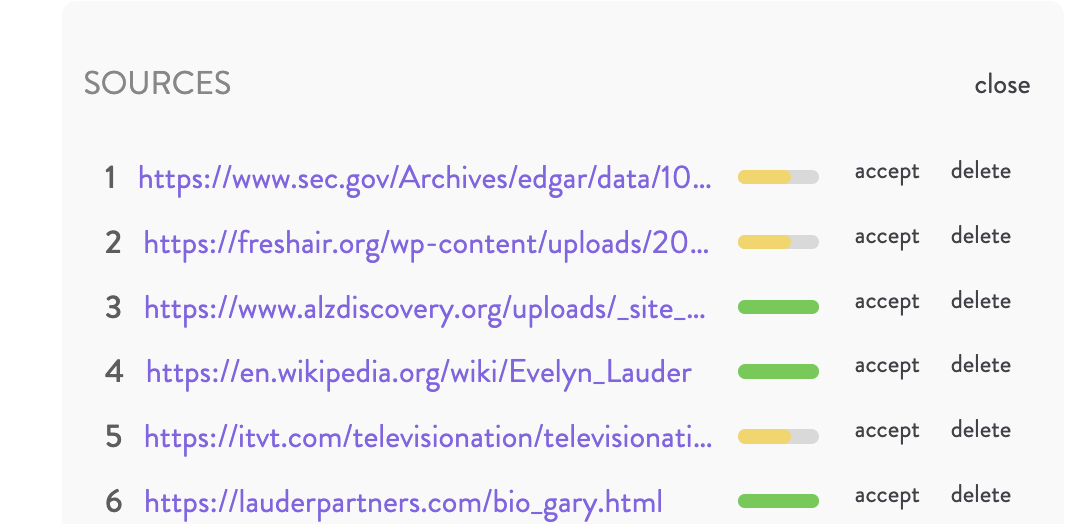
Click 'accept' or 'delete' to alter searches Prospect AI has already found
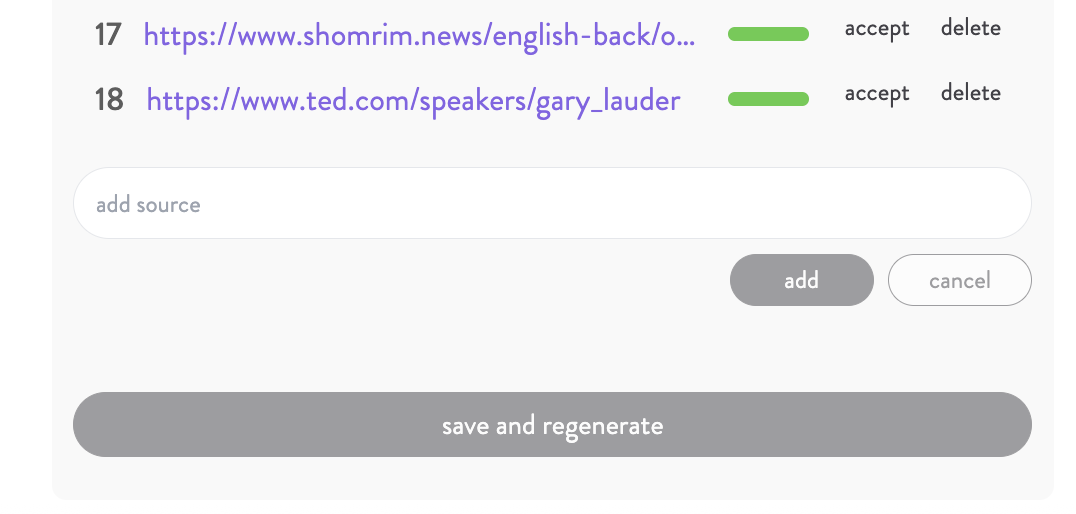
Use the 'add source' bar to add the URL for any new sources you want to include
Click 'save and regenerate' to create the updated report