![Dataro Logo Small.png]](https://support.dataro.io/hs-fs/hubfs/Dataro%20Logo%20Small.png?height=40&name=Dataro%20Logo%20Small.png)
It's time to set up your Dataro integration for Blackbaud Raiser's Edge NXT. Here's how the process works from start to finish.
Step 1: Set up your workspace
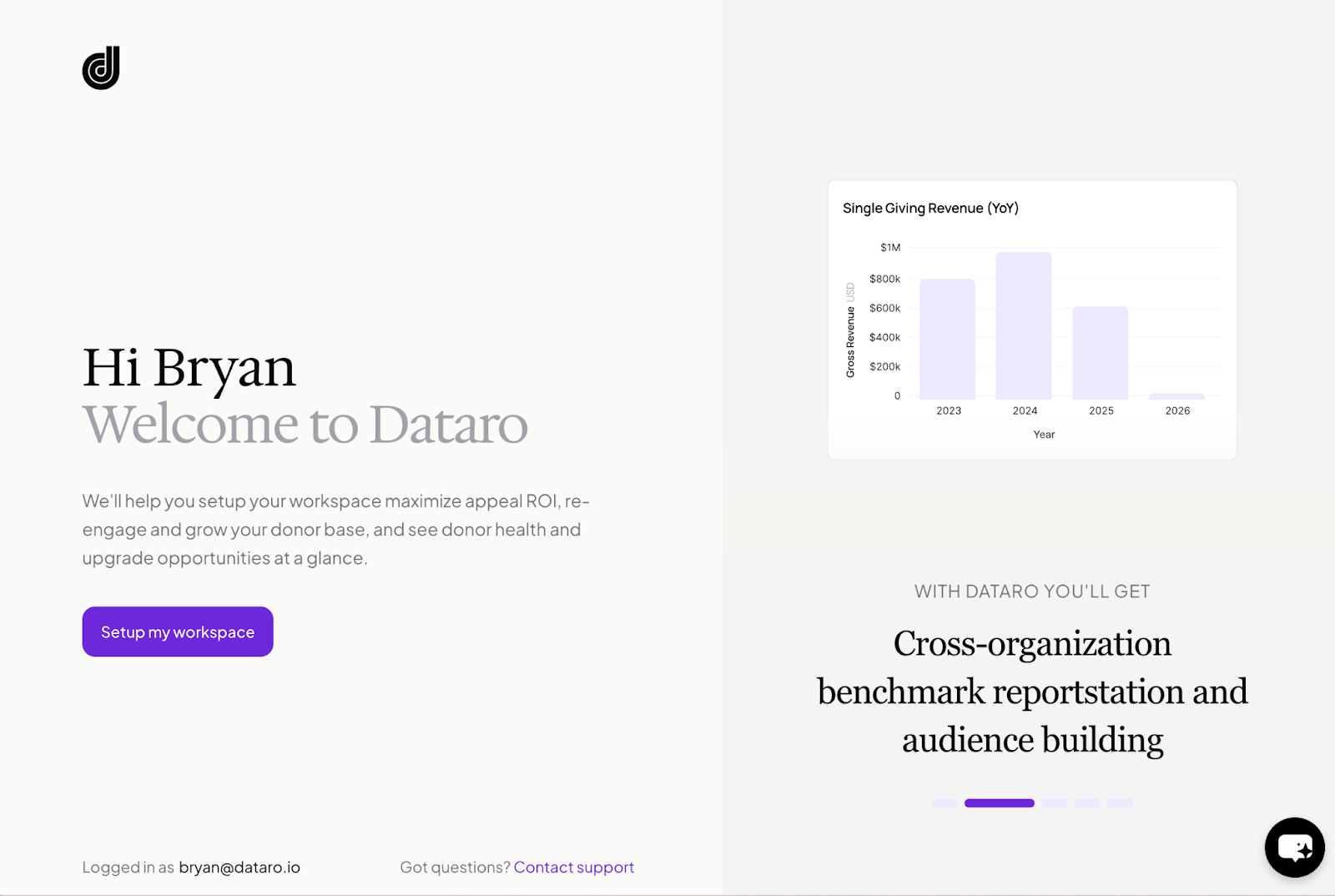
Once you log into your account at app.dataro.io, click Continue Setup to get started. You'll be asked to fill in a few details about your organisation, including your fiscal year start date and mission statement. Some of this information may already be pre-filled — just review and confirm it's accurate before moving on.
Step 2: Connect to the Blackbaud Marketplace
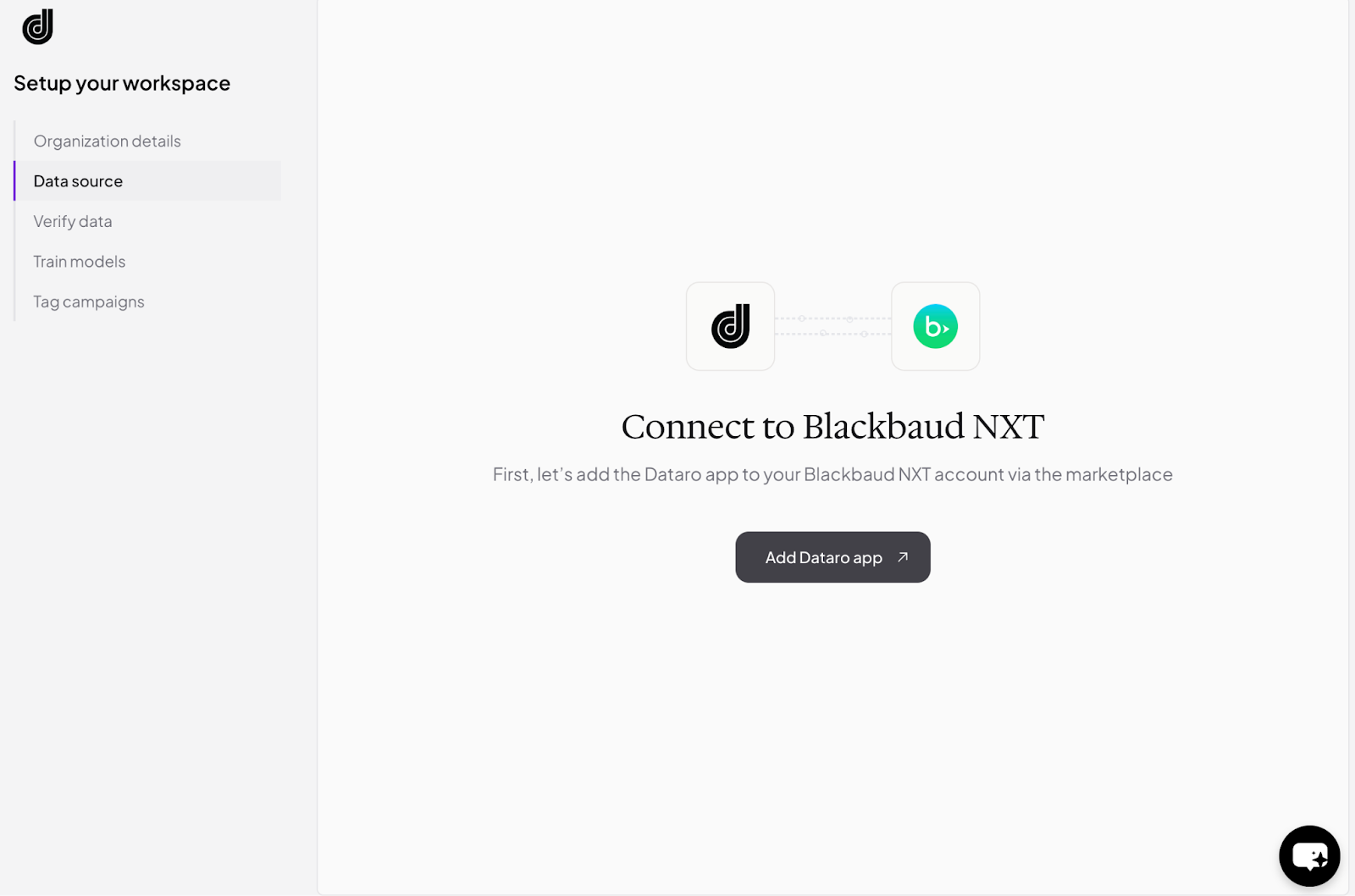
You'll be directed to a page with a link to the Blackbaud Marketplace. Click through, find Dataro, and follow the prompts to install and connect your account.
Step 3: Authorise the connection
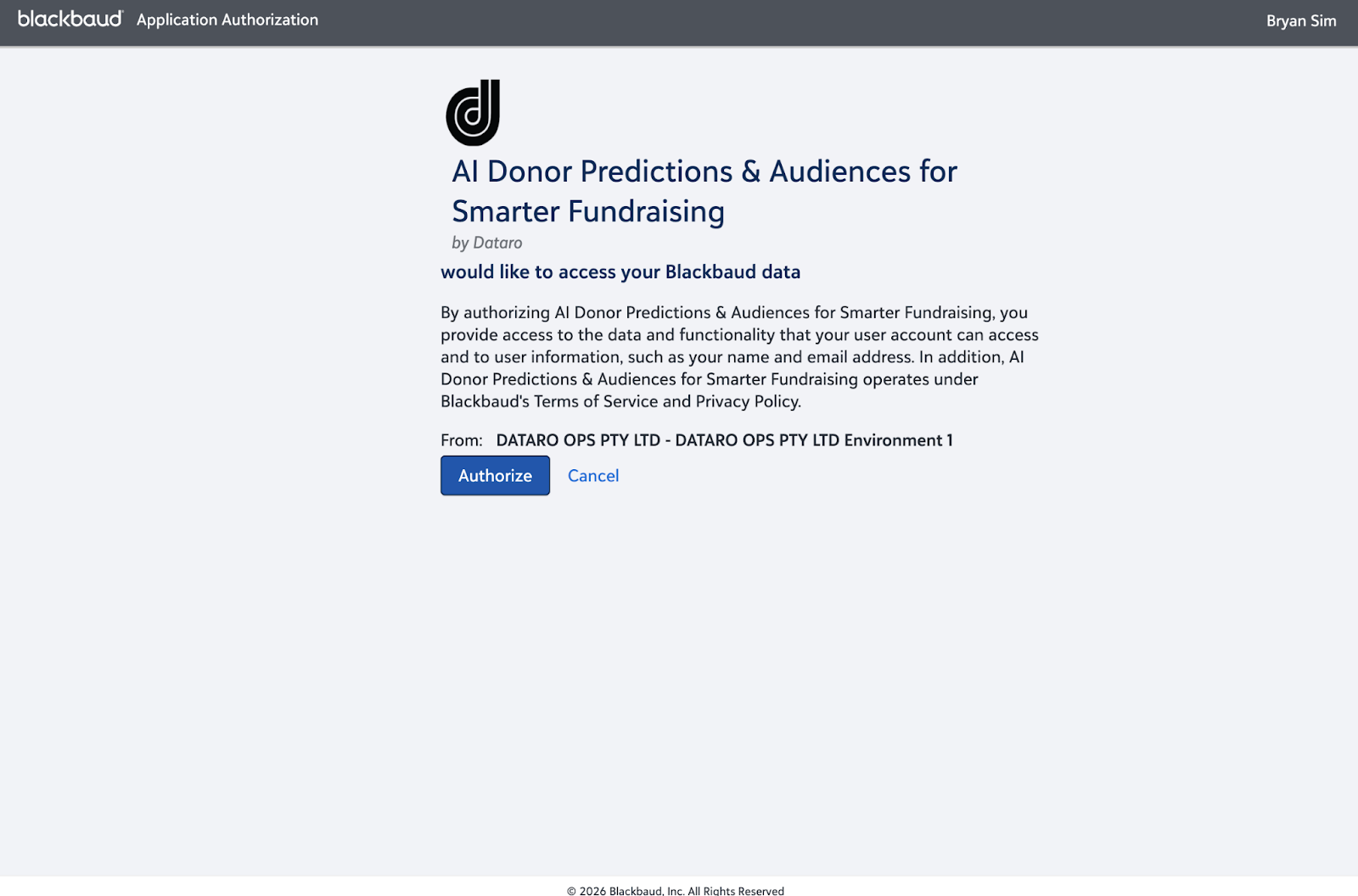
Once you've completed the installation, head back to the Dataro app. You'll be taken to Blackbaud one more time to authorise the connection — click Authorise to confirm.
Step 4: Wait while we prepare your data
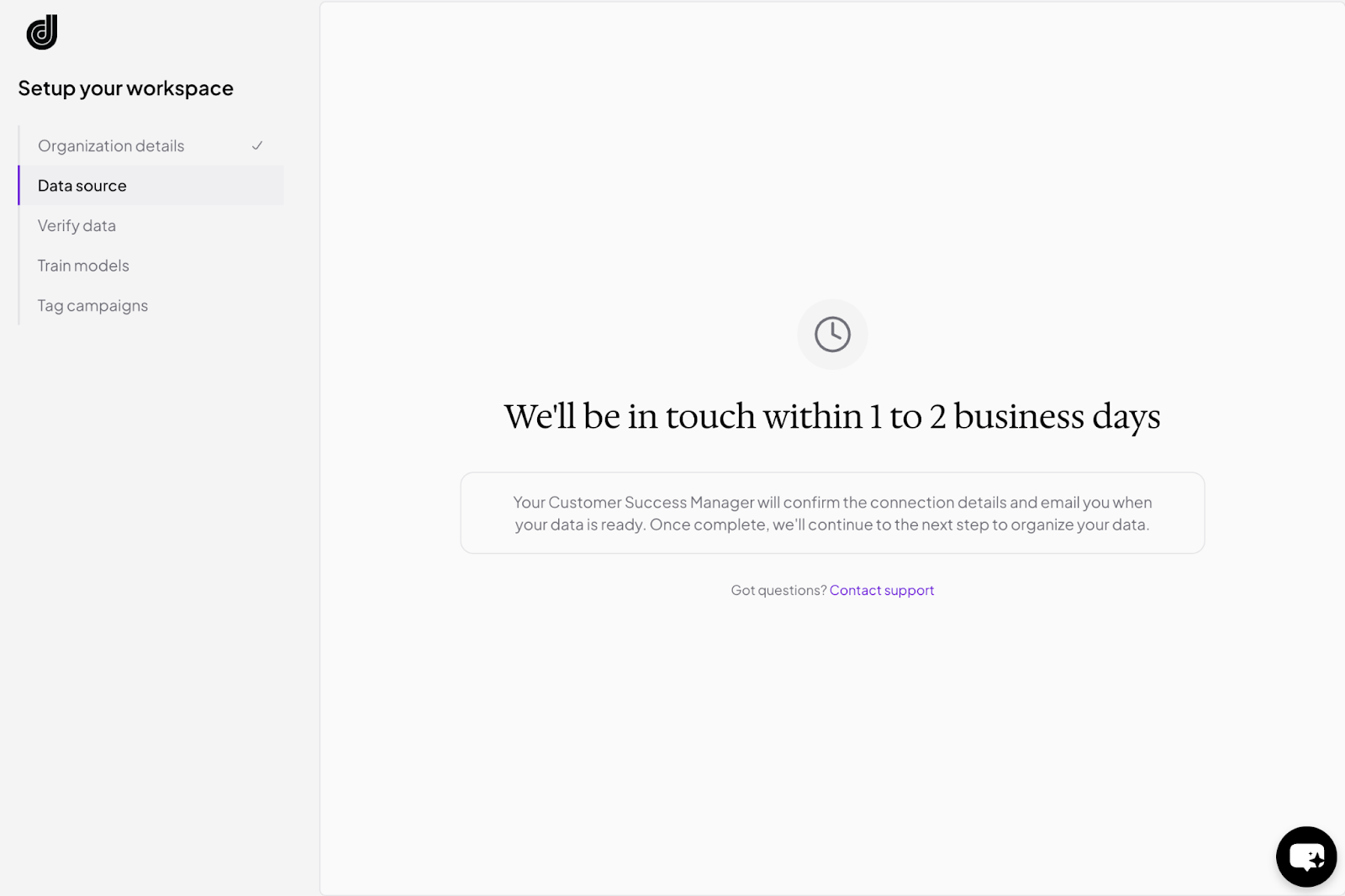
After connecting, you'll see a confirmation screen letting you know we're preparing your data. This typically takes 1–2 business days. If you have any questions in the meantime, click Contact Support.
Step 5: Verify your data
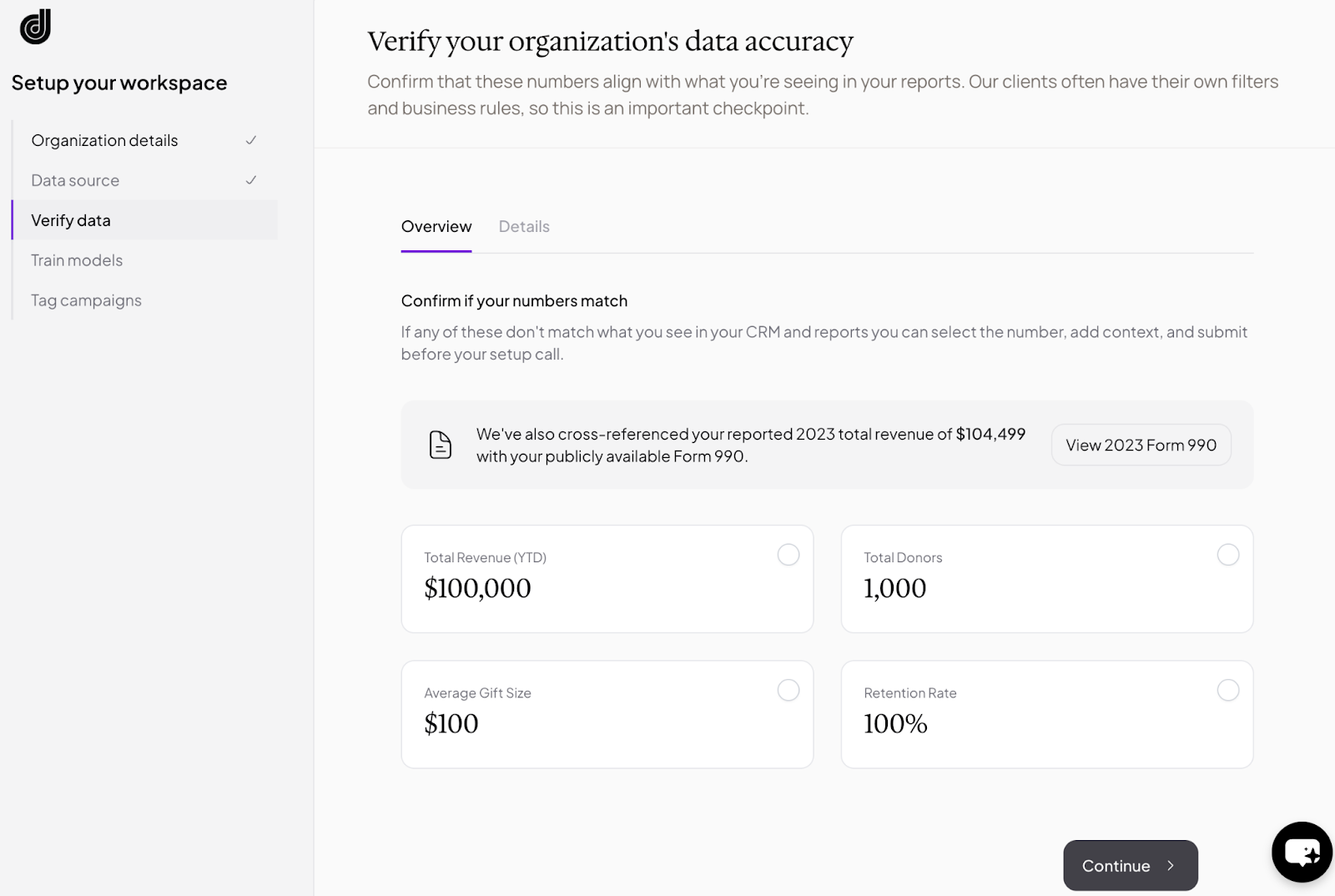
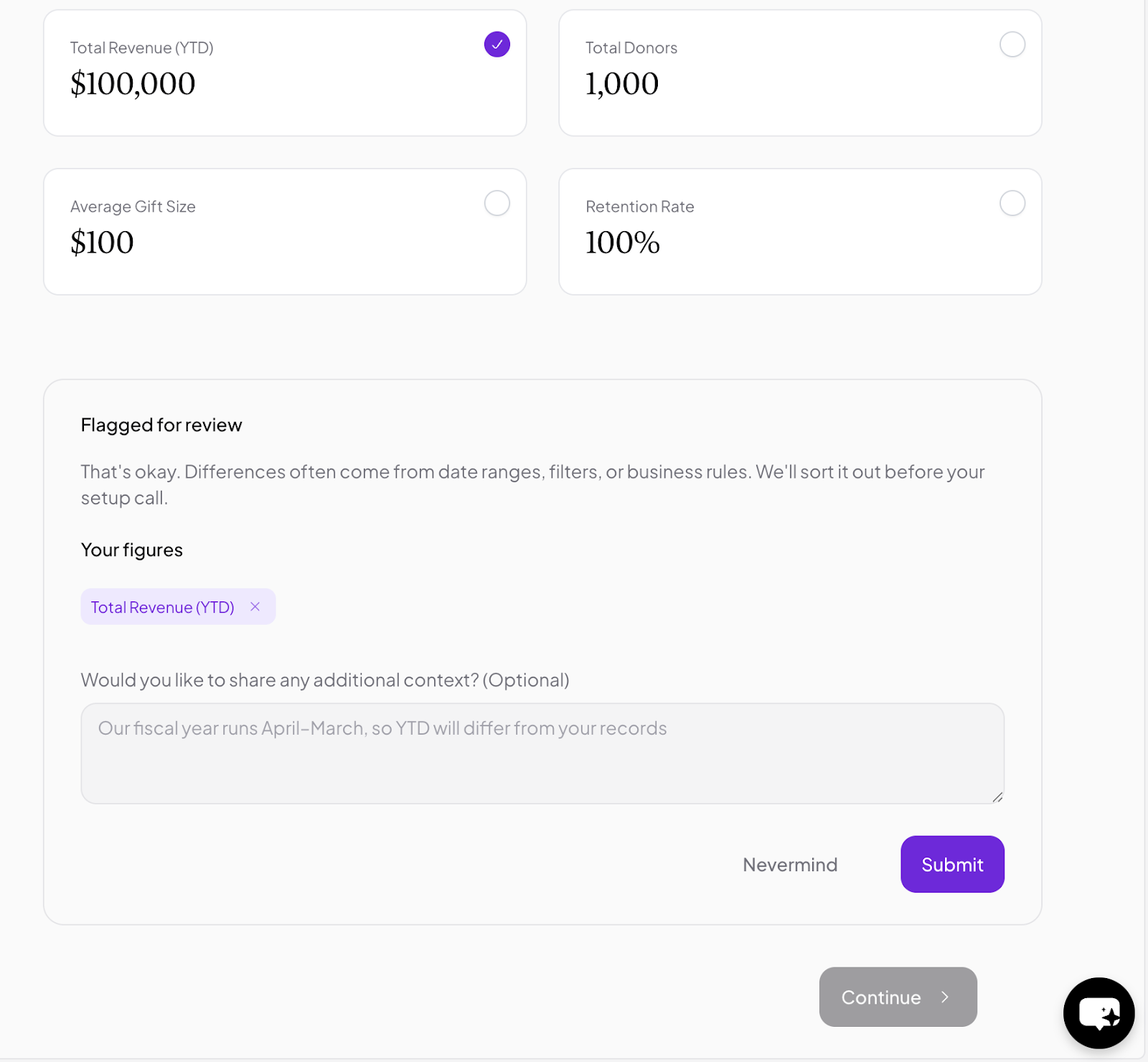
Once your data is ready, you'll receive a notification to log back into the app. You'll be prompted to review a summary of key metrics about your organisation, things like donor counts and giving history. Check these against your own records and confirm they look right. If anything seems off, use the message box on the screen to let us know and we'll follow up.
Step 6: Configure your models
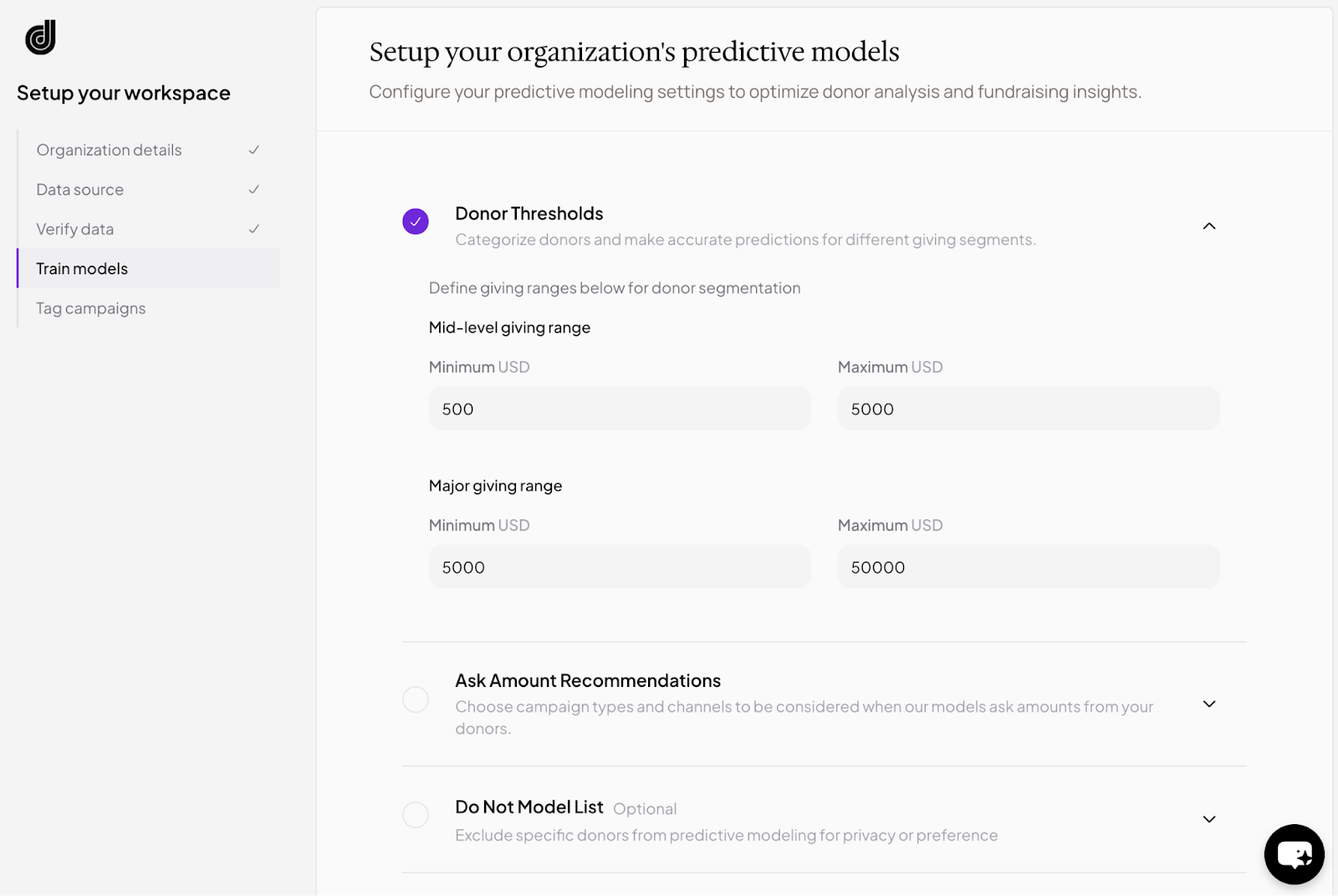
Next, you'll configure a few settings to tailor Dataro's predictions to your organisation, such as which giving channels to include for ask amounts and any thresholds relevant to your programme.
Step 7: Tag your campaigns
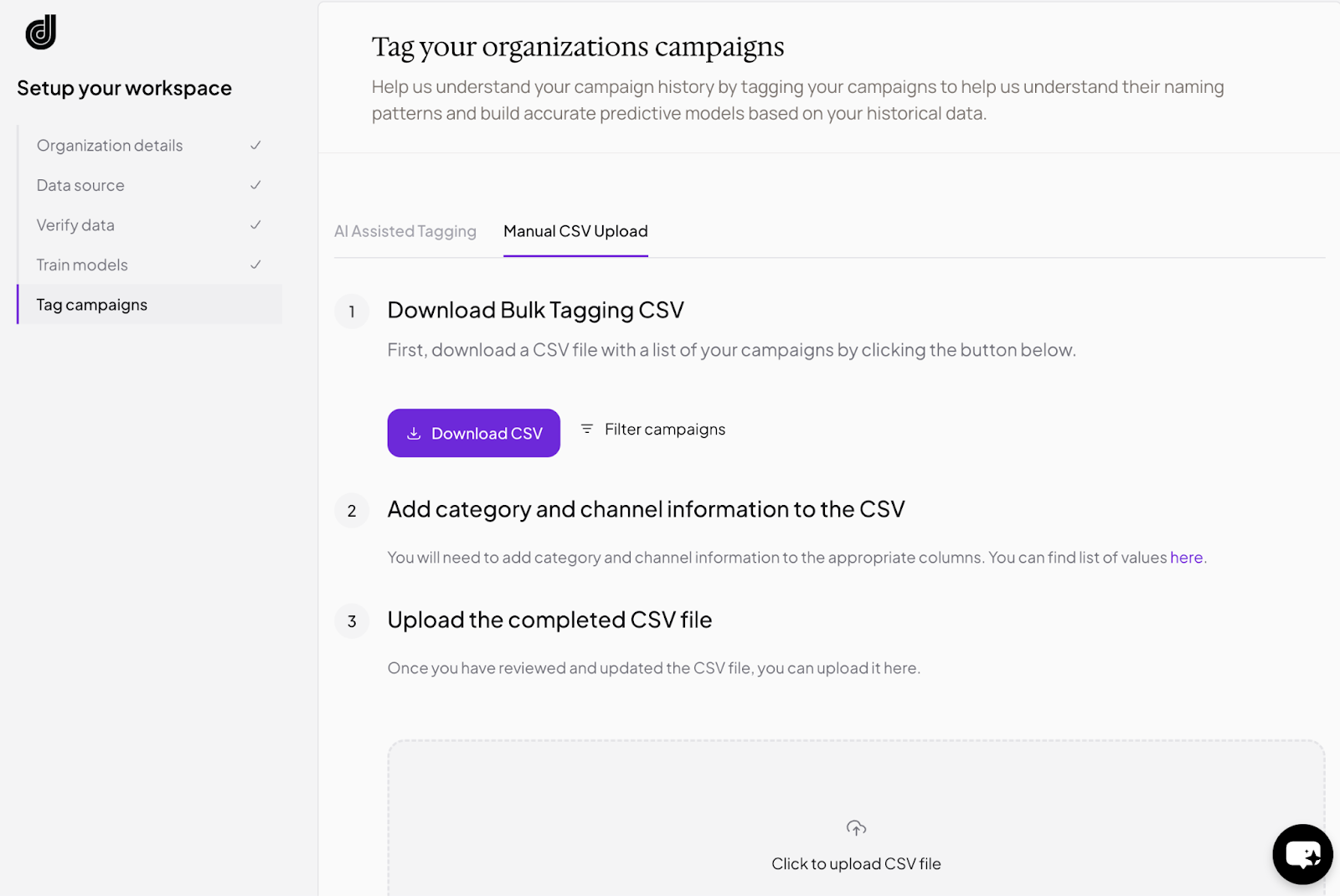
The final setup step is campaign tagging. Your Customer Success Manager will walk you through this on a call. You'll tag your historical transactions so Dataro can generate accurate predictions. You can work through campaigns one at a time or in bulk, with a CSV download/upload option available.
Step 9: You're live!
Once tagging is complete, Dataro will begin generating predictions for your donors. Your Customer Success Manager will be in touch to guide you through your first campaign.