Scoring Exclusions
Last updated: September 22, 2026
Excluding specific donors from Dataro scoring is easy. Navigate to the Settings page on the left-hand navigation bar and select the Scoring Exclusions dropdown. There you can upload a file of the external contact IDs for exclusion from scoring.
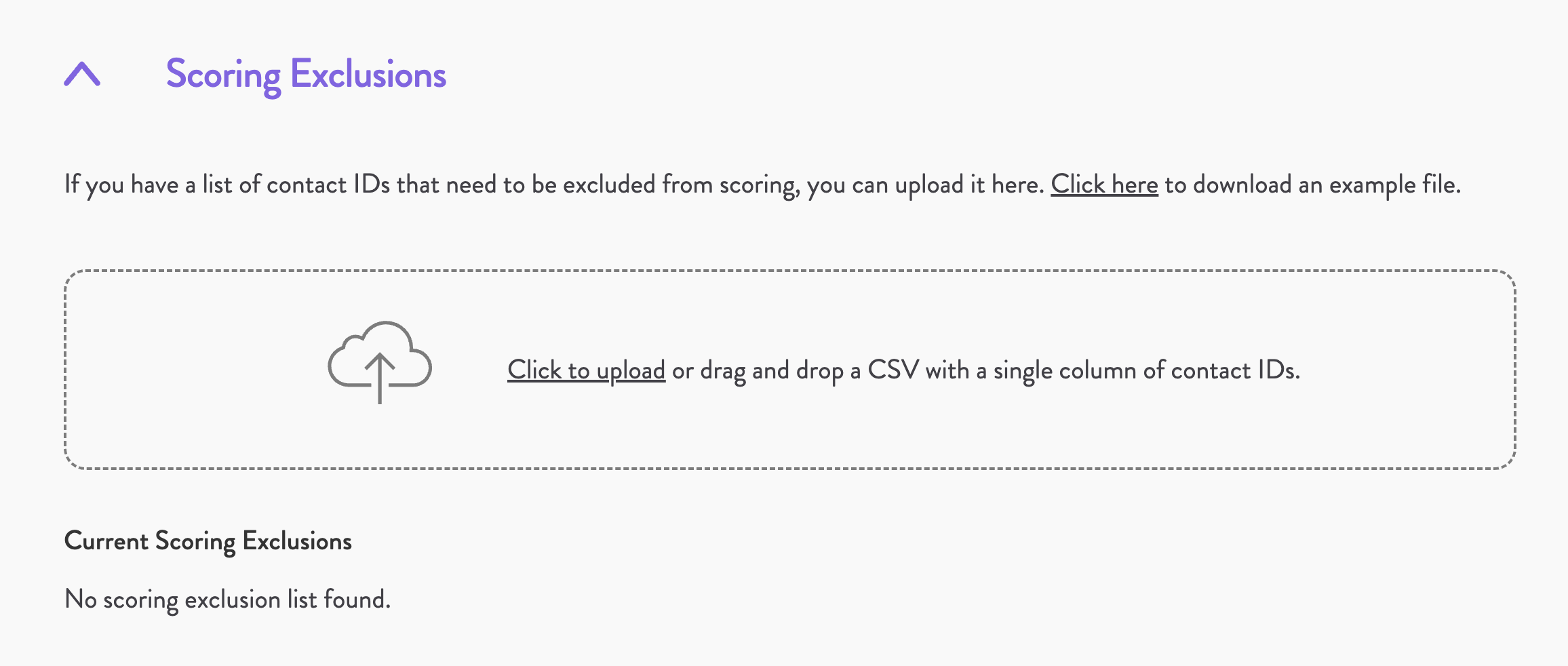
To re-add a donor that was excluded, delete the exclusion file containing the associated external contact ID and upload a new one that does not include the ID.