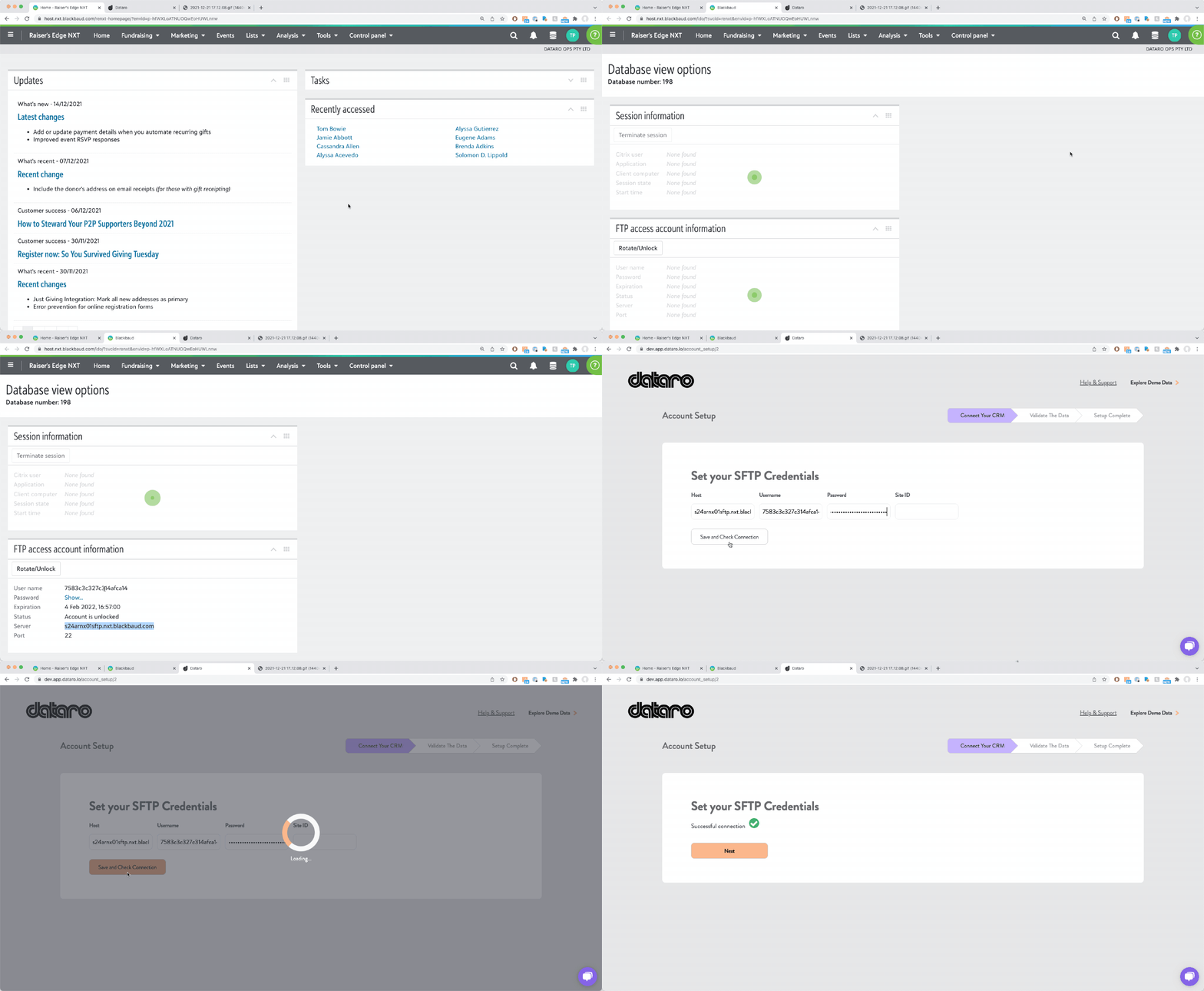
How to check if my SFTP credentials are up to date? (Blackbaud Raiser's Edge NXT)
Last updated: September 22, 2026
As part of the Dataro integration, we extract data using SFTP.
This extract process requires up-to-date SFTP credentials that can be obtained from inside NXT.
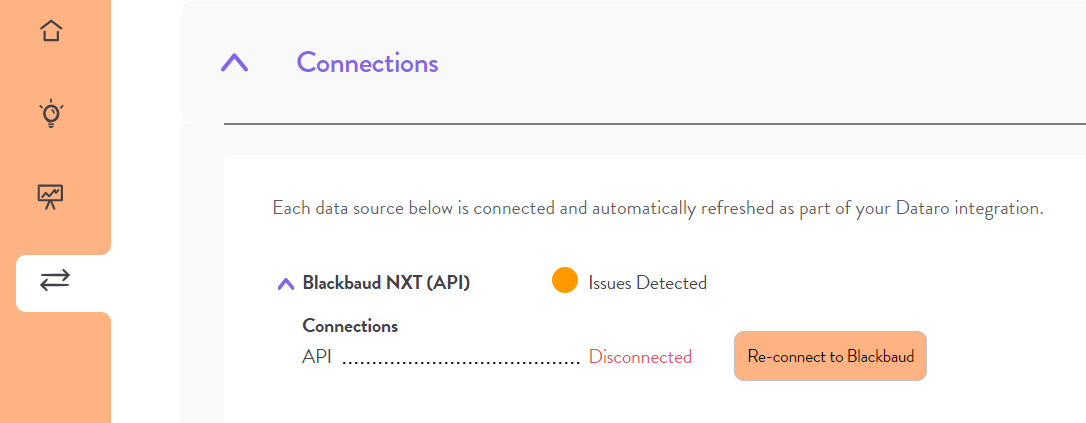
Step 1: Verify whether credentials are up to date in the Dataro App, head to Connections within the app. If you see "Can't connect" then it's time to update your SFTP credentials
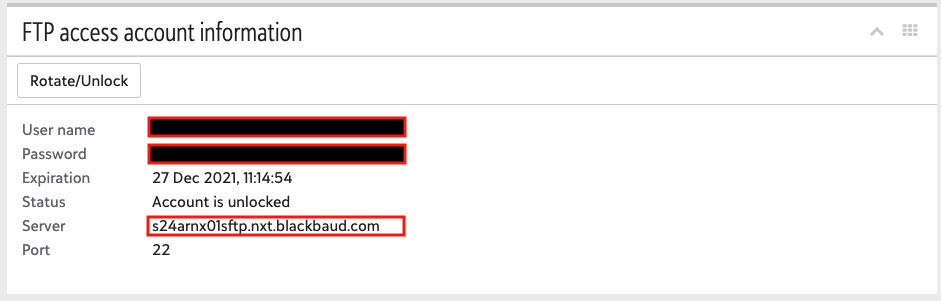
Step 2: Update your credentials: You can find your credentials in NXT. Head to Options > Database Options You will need the following pieces of information: User name Password Server Site ID (only required when hosted on BB, not Azure) 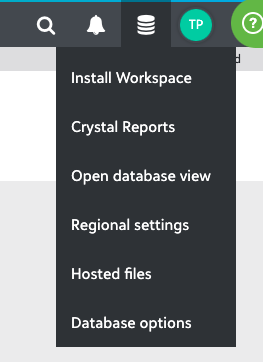
Step 3: Update your details with Dataro In the Dataro App, head to Settings > Connected CRM > Edit SFTP credentials and add your details and click "Save". If hosted on Azure, leave Site ID blank.
Step 4: Verify the system is working You should now see a green tick next to SFTP settings Troubleshooting If the above steps do not provide the green tick. You can try the following: Refresh the page and try to connect again with the same details Remove the Site ID information and try to connect again