Not the right person? Switching a report to another identity
Last updated: October 8, 2026
If a ProspectAI report describes the wrong person, you can switch it to the right one without spending another credit.
When ProspectAI researches a donor, it often finds more than one person matching the name and location you gave it. It picks the identity it is most confident belongs to your donor and builds the report on that person. Not the right person? shows you the other identities it found, so you can check the pick and switch the report if it chose wrong.
It is for telling people apart. It does not find new prospects who resemble your donor.
Opening the list
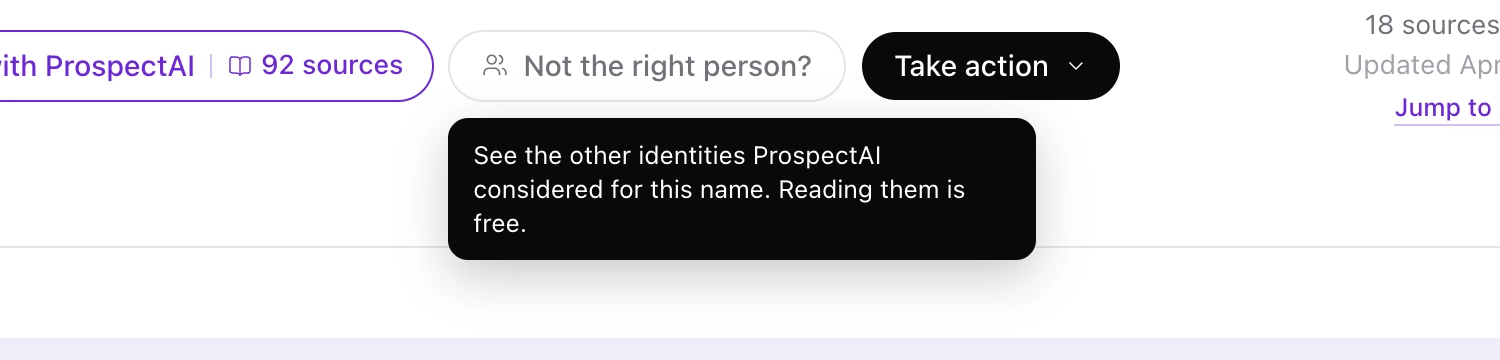
On a donor profile that has been researched with ProspectAI, click Not the right person? next to Enriched with ProspectAI. Hover over the button for a reminder of what it does.
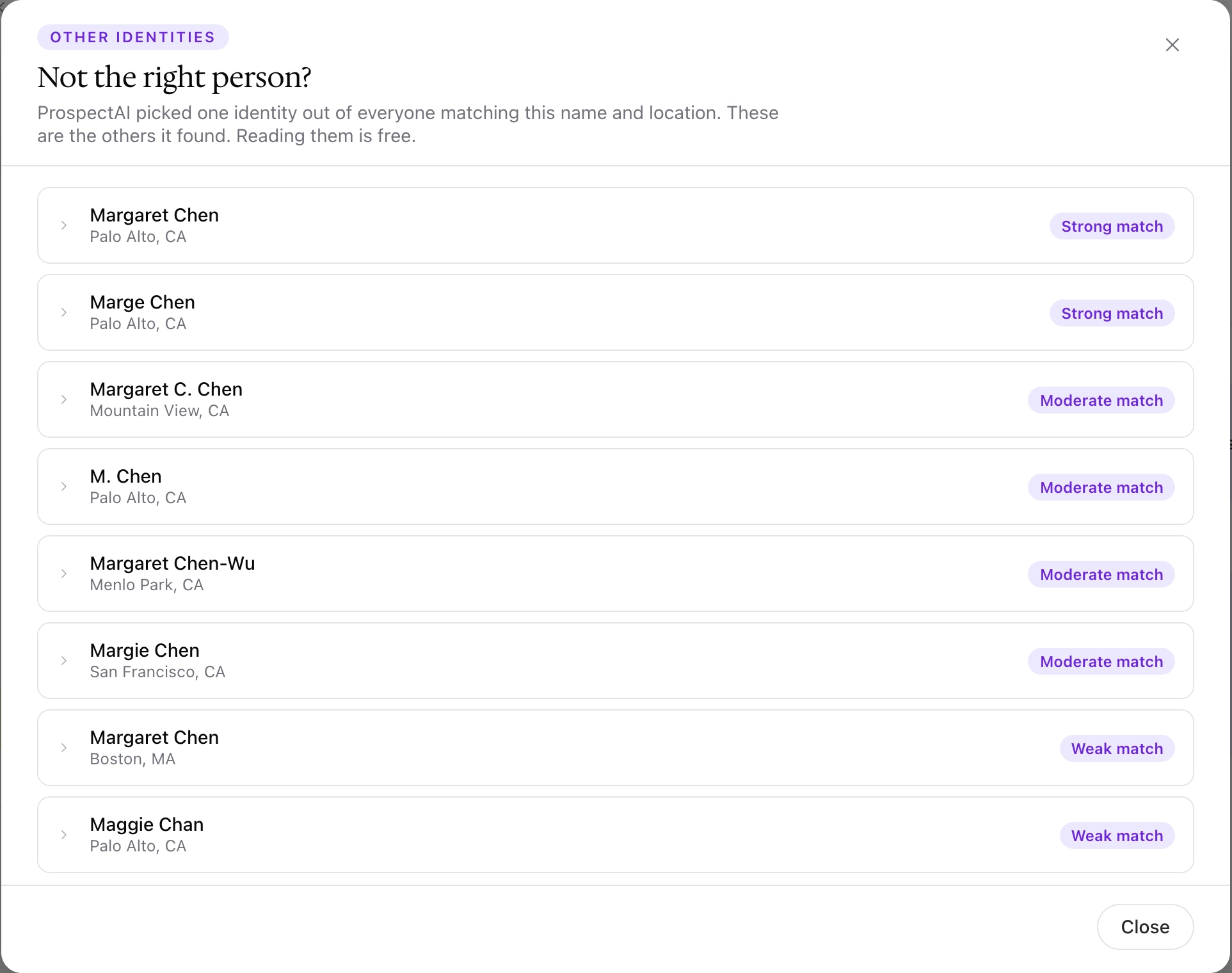
Each identity shows a name, a location, and how closely it matches the details you searched on: Strong match, Moderate match, or Weak match. For example, a search for Margaret Chen in Raleigh might also turn up a Margaret Chen in Palo Alto, a Marge Chen, and a Margaret C. Chen in Mountain View.
Switching the report
To switch the report to another identity:
Click an identity to read its summary.
Compare the summary with what you know about your donor, such as their age, employer, or where they live.
If it is your donor, click Use this one.
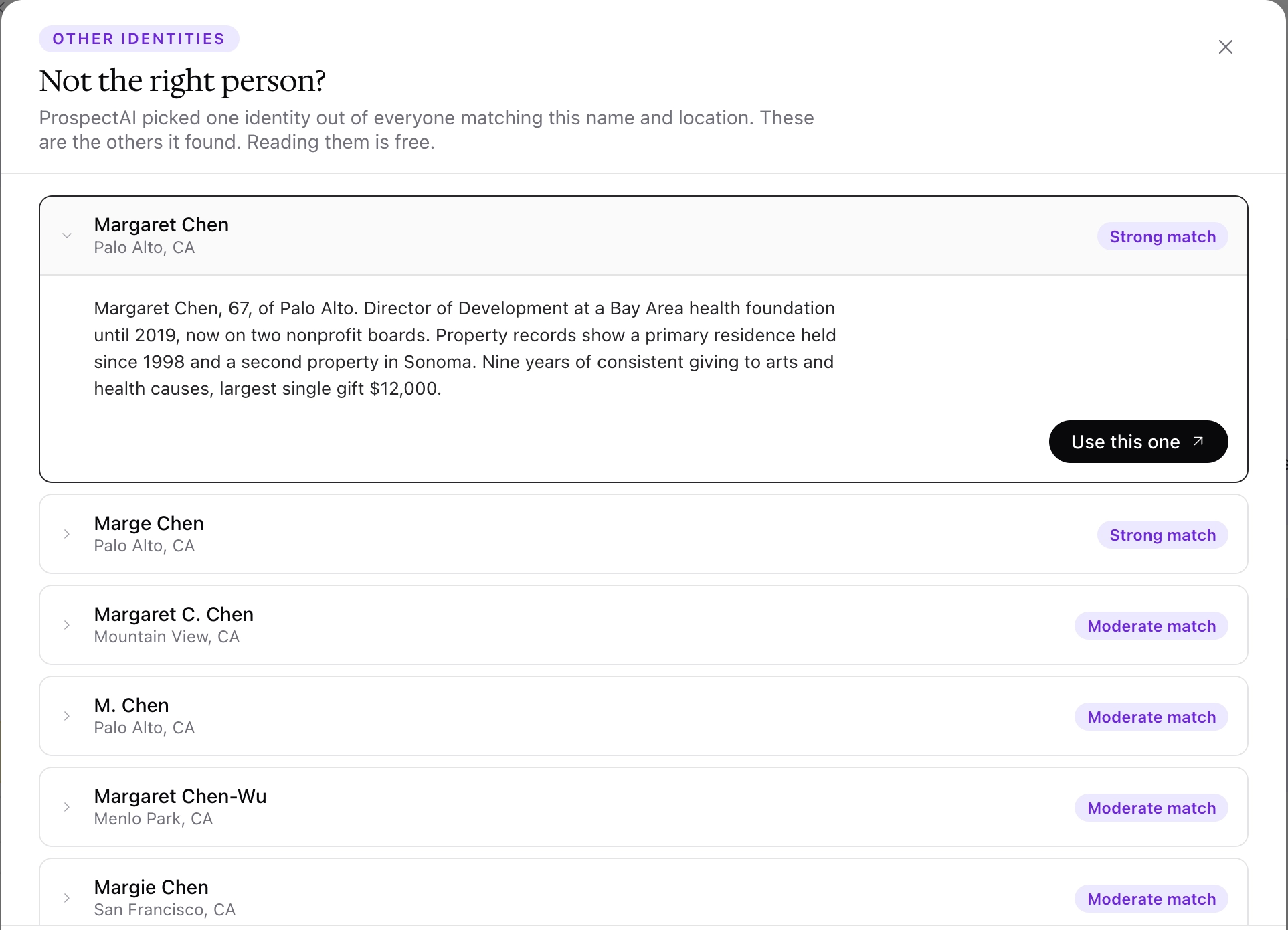
Dataro rebuilds the report on the identity you chose and replaces the original. The rebuilt report uses the credit already spent on this report, so no new credit is spent. You can switch as many times as you need.
Reading the identities and their summaries is free.
When there are no other identities
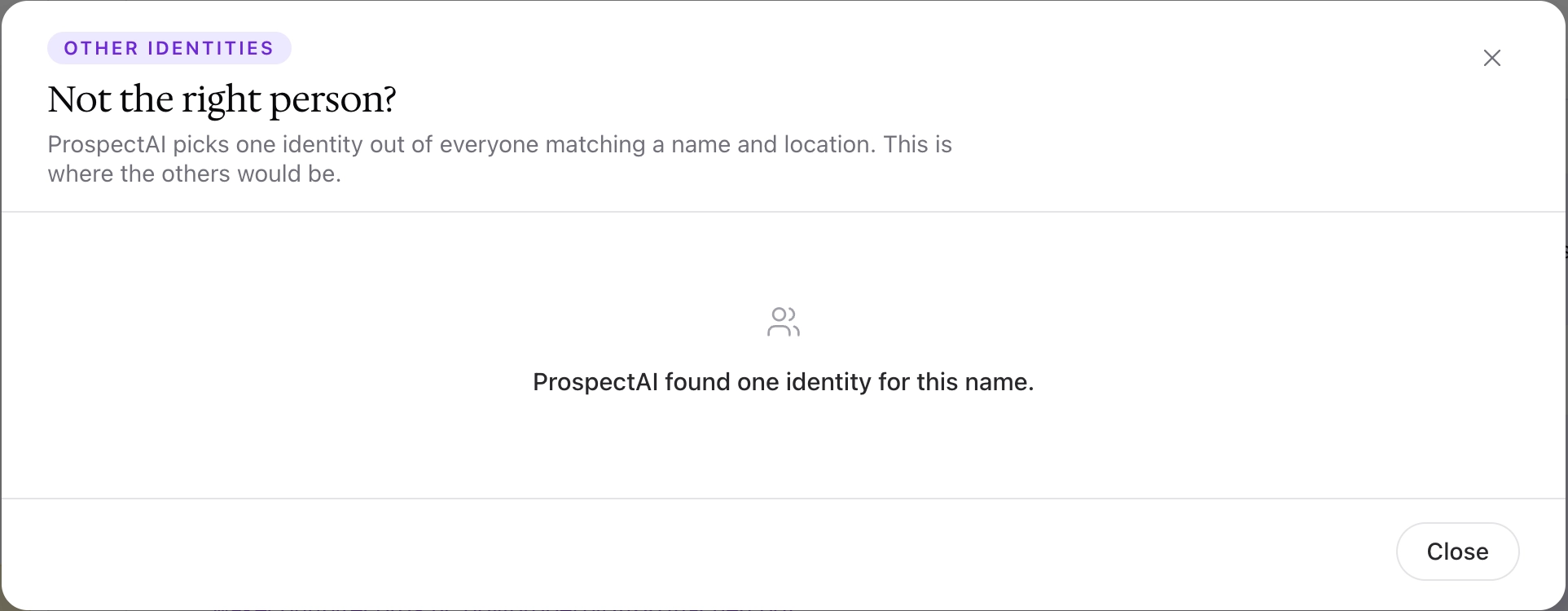
If ProspectAI found only one person matching the name and location, the list reads "ProspectAI found one identity for this name." That is a normal result, not an error. If the report still looks wrong, check the sources behind the findings, as described in 📄 Reading and Validating a ProspectAI Report
Frequently asked questions
Does Use this one cost a credit?
No. The rebuilt report uses the credit already spent on the original report.
Can I research several of these identities at once?
No. Each switch replaces the report on this donor's profile, so you choose one identity at a time. To research several different people, use a bulk list.
Will switching identities remove my edits?
Yes. Switching rebuilds the report on a different person, so overrides and accepted sources from the original report do not carry over. Note anything you want to keep before you switch.
Why does the list say ProspectAI found one identity?
Only one person matched the name and location you searched on. It does not mean there is no one else with that name, only that the search found one identity to choose from.